
Photo to Perler Bead Pattern Maker
Upload a photo, pick Perler, Hama or Artkal and a size, and get a printable bead pattern with a bead count for every color.
Free preview · Real brand colors · PDF chart + shopping list · No sign-up
Choose a photo · free preview ↓Updated 2026-10-31
Real patterns made here
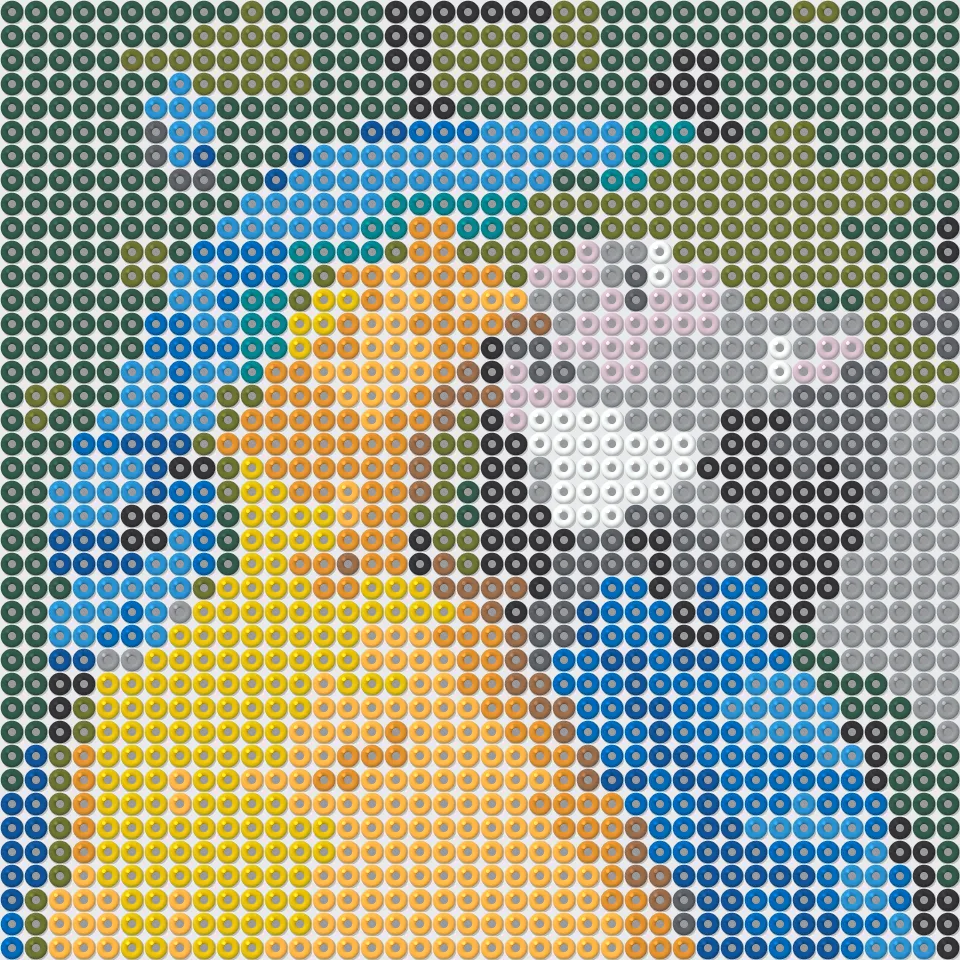
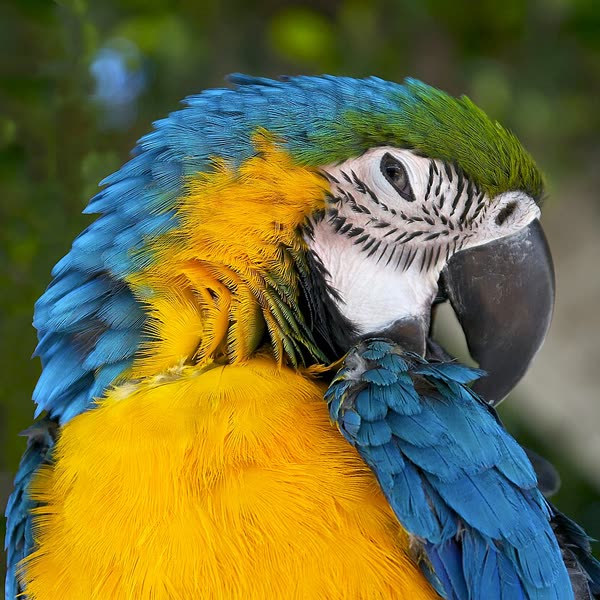
How to turn a photo into a perler bead pattern
Each circle on the pattern is one bead in a real color from the brand you pick, with its code and a symbol. The pattern is split into 29 × 29 pegboard sections and lists how many beads of each color to buy.
- You need
- One photo. Bold, simple pictures work best: a pet's face, a logo, a cartoon. Crop close to the subject; 29 to 58 beads wide keeps it to one to four boards.
- You get
- Each circle on the pattern is one bead in a real color from the brand you pick, with its code and a symbol. The pattern is split into 29 × 29 pegboard sections and lists how many beads of each color to buy.
- Colors
- Perler, Hama, Artkal S, 6 to 30 colors.
- Price
- Free color preview and 5 free patterns on sign-up. Then $1.99 a pattern, or from $0.20 with credits.
Which photos work best
Bold, simple pictures work best: a pet's face, a logo, a cartoon. Crop close to the subject; 29 to 58 beads wide keeps it to one to four boards.
How it works
How it works →- 1. Pick a photo
It's shrunk on your device and sent privately. No sign-up.
- 2. Choose craft, size and colors
The color preview updates as you change them, free.
- 3. Get the full pattern
Pay once or use a credit, then print the PDF chart and buy the colors on the list.
Other crafts
Pricing
One pattern $1.99, no subscription needed. Credits never expire. Plans from $4.99 a month
Starter
$4.99
15 patterns
$0.33 a pattern, save 83%
Popular
$9.99
40 patterns
$0.25 a pattern, save 87%
Maker
$19.99
100 patterns
$0.20 a pattern, save 90%
Photo to Perler Bead Pattern: questions
How many beads and boards do I need?
The key counts every bead by color. The size note says how many 29 × 29 square pegboards cover the design (40 × 40 beads needs 4).
Does it work with Hama or Artkal beads?
Yes. Pick the brand before you make the pattern; each brand has its own colors and codes, so the pattern matches the beads you have.
How big is the finished piece?
Midi beads are 5 mm, so 40 beads across is 20 cm (about 8 inches) after ironing.
Is it free?
Partly. The color preview is free for everyone, and a new account gets 5 full patterns free. After that the full pattern (PDF chart with symbols, color codes, counts and the shopping list) is $1.99 on its own, or from $0.20 a pattern with credits (15 for $4.99).
Do I need an account?
No. Pick a photo and pay for just that pattern; it stays in My patterns on this browser. Sign in with Google or email to keep patterns on any device and to buy credit packs or plans.
What do I get?
A PDF you can print on A4 or Letter: the chart with a symbol in every square, bold lines every 10 squares, row and column numbers, split over pages for big designs; the color key with brand codes and counts; what to buy; and the finished size. Plus a PNG of the whole chart. Download them again any time from My patterns.
Is my photo private?
Your photo is shrunk to 600 pixels on your own device before it is sent, and only you can see it and your patterns. Photos are deleted automatically within 30 days, and you can delete them, your patterns or your account at any time.
What if the pattern isn't right?
Change the size or number of colors and look at the preview again before paying. If your first paid pattern still isn't right, email us within 7 days for a full refund.
Do credits expire?
No. Credits from packs never expire; one credit makes one pattern of any craft and size.
Can I cancel a plan?
Yes, in one click under My patterns. It doesn't renew, and the credits you have stay.
How do I pay?
Card, Apple Pay or Google Pay through a secure hosted checkout. We never see your card number.
Can I sell what I make?
You can sell the finished pieces you make from your own photos. The pattern file is for your own use. Questions: support@photopatternmaker.com.
Questions people ask
Make your pattern
Pick a photo and see the preview for free.