
Free Stencil Maker: Turn a Photo into a Stencil
Upload a photo of a pet, a face or a house. An AI model redraws it as a few bold shapes, with the background left out, instead of the specks and black blobs a threshold filter leaves. Then we add the bridges that hold the stencil together. Download SVG for Cricut, DXF for laser cutters, or a PDF that prints at any size.
First stencil free, then $2.99 · No sign-up · AI drawing, not a filter · Bridges added · SVG, DXF, PDF
Choose a photo · first stencil free ↓Updated 2026-11-11: Added an answer on making a stencil from any picture, a scan or a drawing, not just a photo.
Real stencils made here
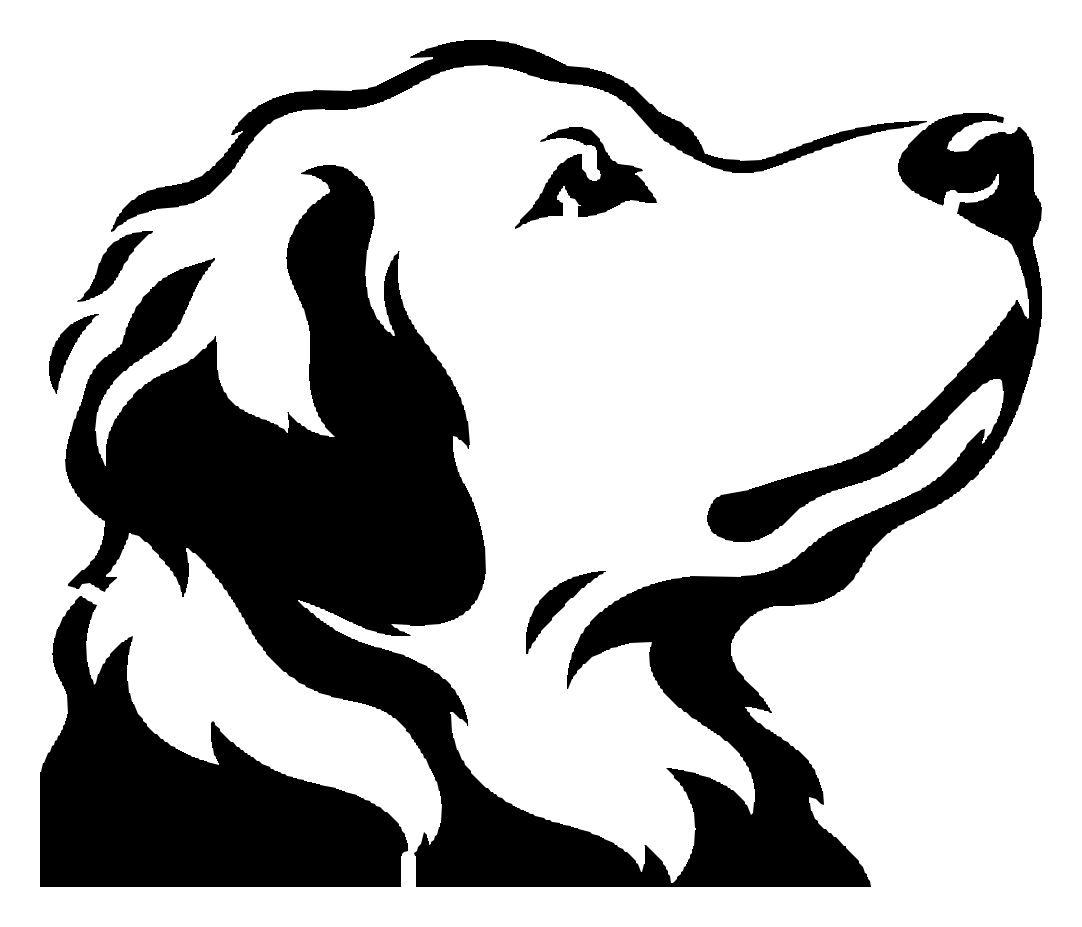
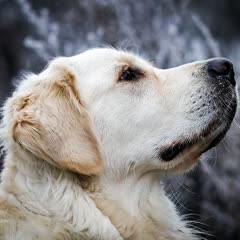
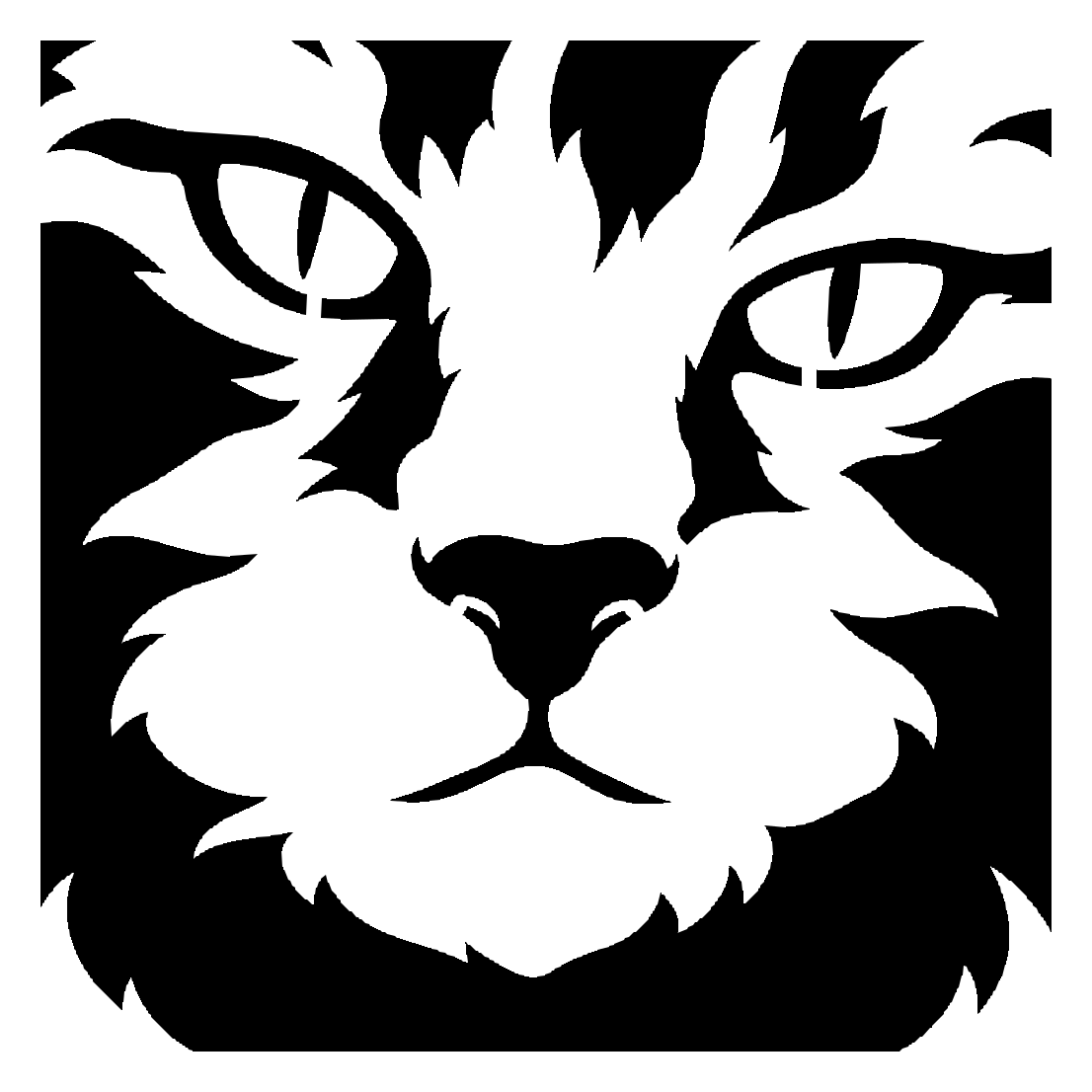
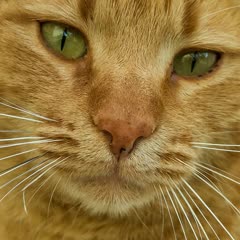
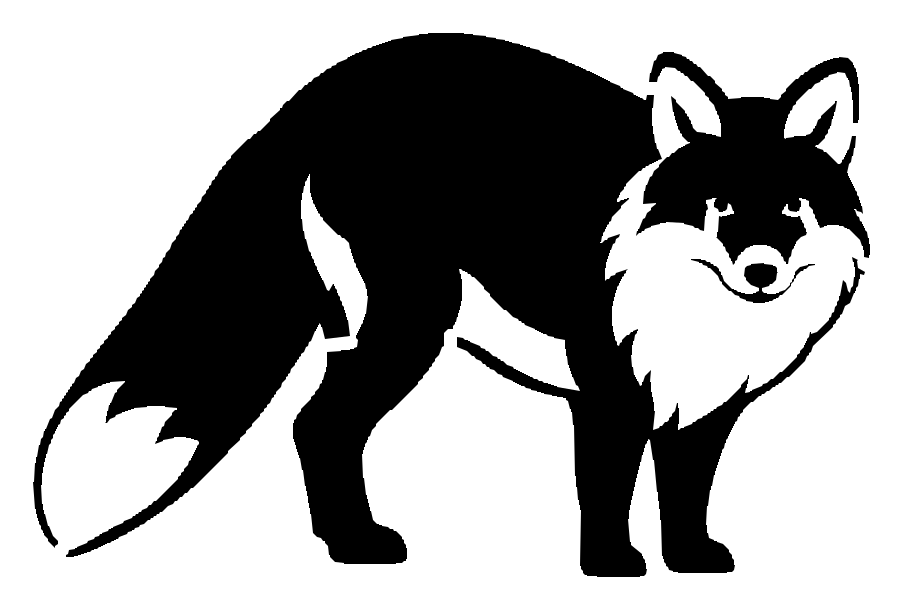
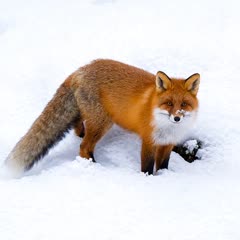
Image to stencil: a threshold filter vs this stencil maker
Most free photo to stencil tools cut the photo at one brightness level. That is instant and works for a logo or a dark silhouette. On a pet or a face it breaks fur and whiskers into specks you can't cut, keeps a dark background as a black blob, and can turn a dark animal into one shape with no face. We put the three photos above through Stenciltool, one of the free tools ChatGPT named when we asked it for a photo to stencil website, and through this stencil maker.
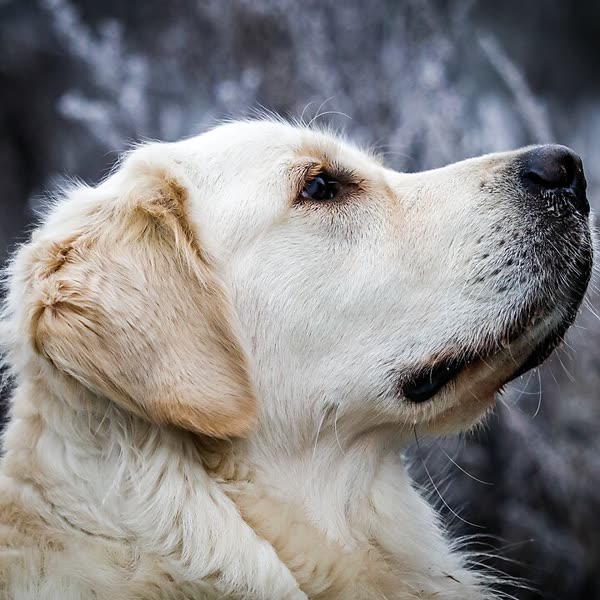
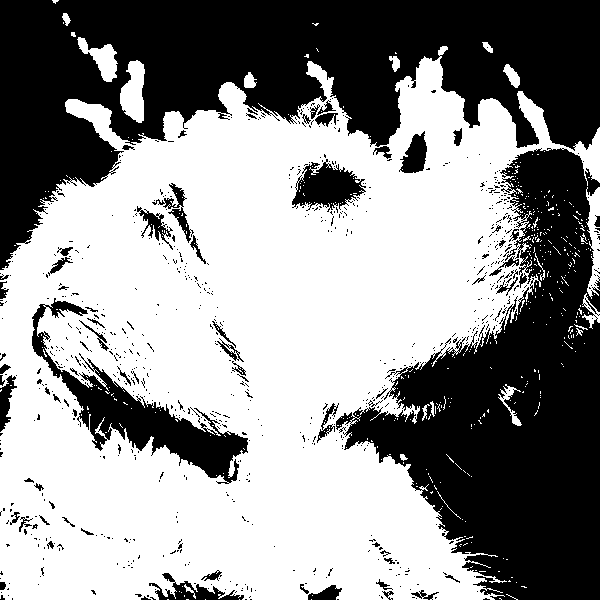
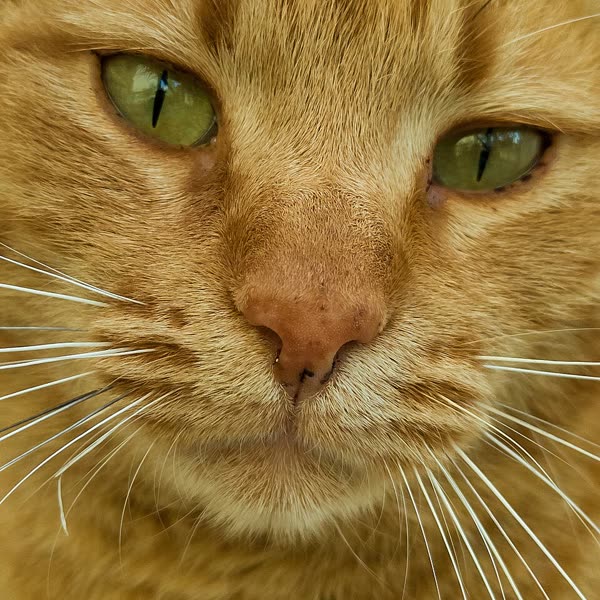
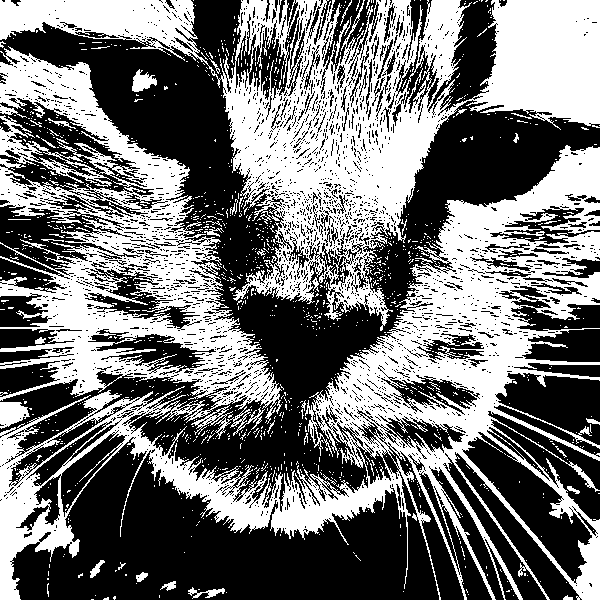
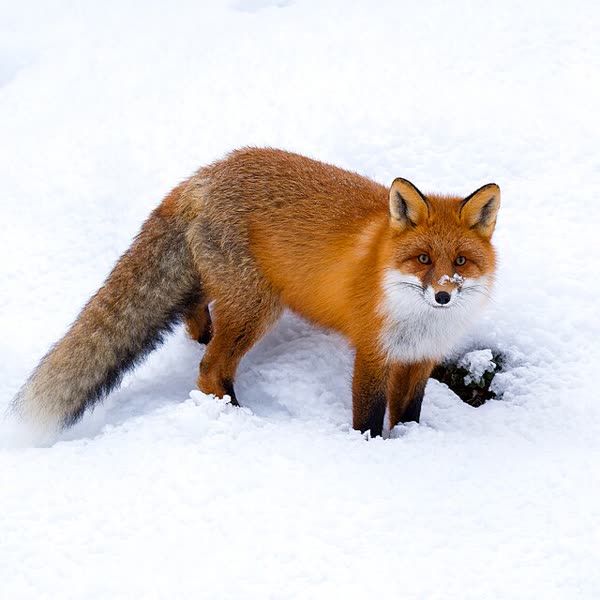
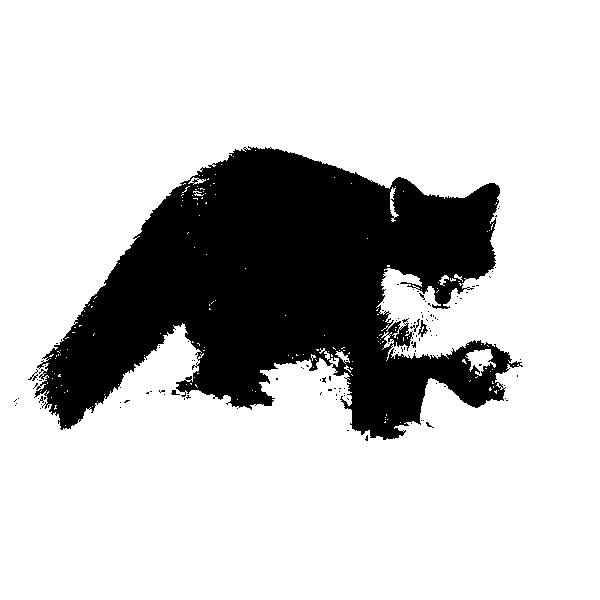
How we tested
On 2026-11-05, the same 600-pixel photos went into Stenciltool with Auto threshold, smoothing 0, cleanup 0 (its defaults after Auto), and we kept its PNG download. Both sides were counted by the same code: a speck is a black bit smaller than 0.012% of the picture, too small to cut; a loose piece is a white piece bigger than that, surrounded by black, which falls out when the stencil is cut. A threshold tool's own sliders can clean up some specks at the cost of detail, and it is free and instant, while a drawing here takes about a minute.
How to turn a photo into a stencil
Pick a photo and crop it to the subject. An AI image model redraws it as a single layer of solid black shapes, with fur, hair and shadows grouped into a few big pieces you can cut. Then our code makes it cut-ready: specks too small to cut are dropped, every piece that would fall out gets a bridge, and the edges are traced into clean outlines.
- Best for
- Spray paint and airbrush stencils, painted signs, T-shirts and tote bags, wall art, pumpkin carving, wood burning and vinyl decals of a pet or a person.
- Not a filter
- An AI model redraws the photo first, so fur, whiskers, beards and busy backgrounds come out as a few clean, cuttable shapes, with the background left out. On the three photos on this page, a free threshold tool left 113 to 2,360 specks too small to cut and 10 to 32 pieces that would fall out; the stencils made here have none.
- You need
- One photo from your phone or computer. No app or account needed.
- You get
- SVG and DXF cut files (with bridges, and without for vinyl), a PNG, and a PDF that prints at your size across several pages.
- Bridges
- Added for you: every piece that would fall out is tied back to the sheet by the shortest strip.
- Time
- About a minute for the drawing.
- Price
- First stencil free with no sign-up. Then $2.99 a stencil, or from $0.40 with credits, and every paid stencil can be redrawn 2 times free. Paid stencil makers we checked charge $9 to unlock one stencil or $10 to $14 a month.
Which photos work best
One clear subject, facing the camera, in good light. Crop close: the drawing keeps the subject and leaves the background out. Very busy scenes come out as a jumble of shapes.
Doing it by hand instead
In a photo editor (Photopea, Inkscape): remove the background, turn the photo black and white with a threshold, erase the specks one by one, then draw a bridge across every piece that would fall out and trace it to a vector. It works and it is free; on a furry pet, erasing the specks and drawing the bridges is the slow part. This stencil maker does the same steps in about a minute.
What's new on this page
- Added an answer on making a stencil from any picture, a scan or a drawing, not just a photo.
- Stencils are now drawn by a newer image model, with bigger shapes and fewer pieces to bridge; the samples are redrawn.
- Added a side-by-side test with a free threshold stencil tool on the same three photos, and answers on wall stencils, T-shirts and pumpkins.
- New: turn a photo into a cut-ready stencil, with bridges added and SVG, DXF and PDF downloads.
Create a stencil from a photo in three steps
- Pick a photo
It's resized on your device before it's sent, and only you can see it. No sign-up.
- Get the drawing
About a minute later the stencil is ready, bridges and all. Not right? A paid stencil can be redrawn 2 times free.
- Cut or print it
SVG for Cricut and Silhouette, DXF for lasers, or print the PDF at your size and cut it by hand.
The same photo as a pattern
Stencil maker questions
Is the stencil maker free?
Your first stencil is free, with no sign-up (one a day from each connection, while the day's free stencils last). After that a stencil is $2.99 on its own, or 2 credits from a pack (from $0.40 a stencil). A new account gets 5 free credits. Every paid stencil comes with 2 free redraws. Paid stencil makers we checked on 2026-11-05 charge $9 to unlock one stencil or $10 to $14 a month.
What's the best way to turn a photo of my dog into a stencil for my Cricut?
Crop the photo close to your dog's head and upload it here. Fur is the hard part: a threshold tool turns it into hundreds of specks, so this stencil maker has an AI model redraw the fur as a few big locks first, then adds the bridges. Download the SVG, upload it to Cricut Design Space, size it and cut it from stencil vinyl, freezer paper or cardstock. Your first one is free.
How is this different from a free photo to stencil converter?
Most free converters cut the photo at one brightness level (a threshold). That is instant and fine for a logo or a dark silhouette, but fur, whiskers, beards and busy backgrounds break into specks and blobs. Here an AI model redraws the photo as a few bold shapes first. On the three photos on this page, a free threshold tool left 113 to 2,360 specks too small to cut and 10 to 32 pieces that would fall out; the stencils made here have none.
Can I cut it with a Cricut or Silhouette?
Yes. Upload the SVG to Cricut Design Space and size it there. Silhouette Studio's free edition opens the DXF; the SVG needs its Designer Edition. Glowforge takes the SVG; xTool Creative Space and LightBurn take the SVG or the DXF.
What are bridges, and why does a stencil need them?
When a stencil is cut, any piece of the sheet surrounded by a cut-out (the white of an eye inside a black outline, the middle of a letter O) falls out, and the paint goes where it shouldn't. A bridge is a thin strip that ties that piece back to the rest of the sheet. We find every loose piece and add the shortest bridge to it: the samples on this page had 4 to 7 each.
Can I make a big wall stencil across several pages?
Yes. Pick the width (up to 36 inches) and Letter or A4: the PDF splits the stencil over as many pages as it needs, each sharing a quarter inch with its neighbors, with corner marks to line them up and a first page showing how they fit together. The SVG and DXF scale to any size for a cutting machine or a print shop.
Can I use it for vinyl, a decal or laser engraving?
Yes. Download the version without bridges: vinyl and engraving don't need them, since the pieces stay where they are. The stencil version with bridges is for cutting a sheet you paint through.
Can I use it for a T-shirt, a tote bag or a pumpkin?
Yes. For fabric, cut the SVG from freezer paper or stencil vinyl, stick it down and dab fabric paint through it. For a pumpkin, print the PDF at the pumpkin's size, tape it on and trace the outlines before carving.
Can I turn a picture or a drawing into a stencil, not just a photo?
Yes. This picture to stencil maker takes any image file: a phone photo, a screenshot, a scan, a kid's drawing or clip art. The AI model redraws it as bold black shapes the same way, then the bridges are added. For a logo or lettering that is already clean black and white, a free threshold tool is enough, since there is nothing to redraw; this stencil creator is for pictures with fur, faces, shading or a background to leave out.
Which photos work best?
One clear subject, facing the camera, in good light: a pet's face, a portrait, a car, a house. The drawing keeps the subject and leaves the background out. Crop close to the subject before you start.
Is this an AI stencil generator or a filter?
An AI stencil generator. An AI image model redraws your photo as bold black and white shapes, so the stencil is a new drawing based on your photo, not a filter over it. Our own code then drops specks too small to cut, adds the bridges and traces the outlines.
What happens to my photo?
Only you can see your photo and your stencils. To draw the stencil, the photo is sent to our AI image provider (an OpenAI image model, through apimart.ai). Delete the photo and the stencil any time from My patterns; photos are deleted within 30 days anyway.
What if I don't like the result?
Press Redraw: every paid stencil can be drawn again 2 times from the same photo, free, since each drawing comes out a little different. If a drawing fails, its credits come back on their own.
Make your stencil
Pick a photo: your first stencil is free, with no sign-up.